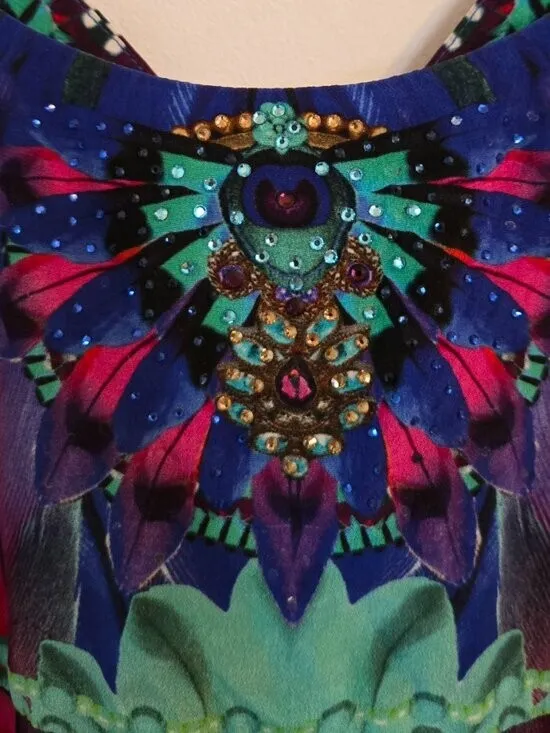
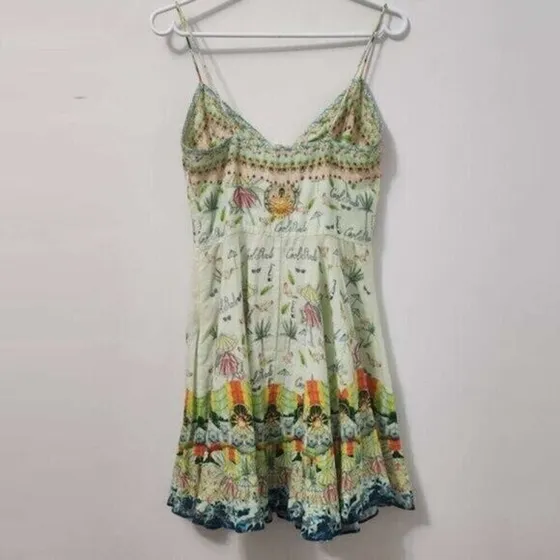
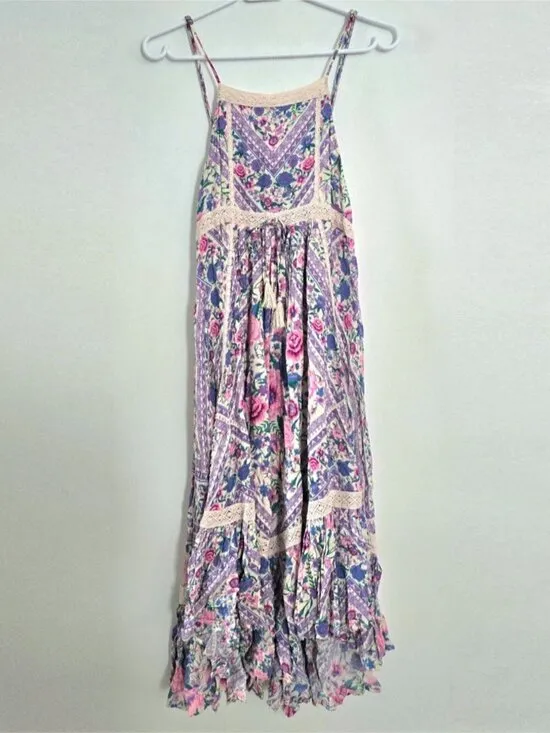
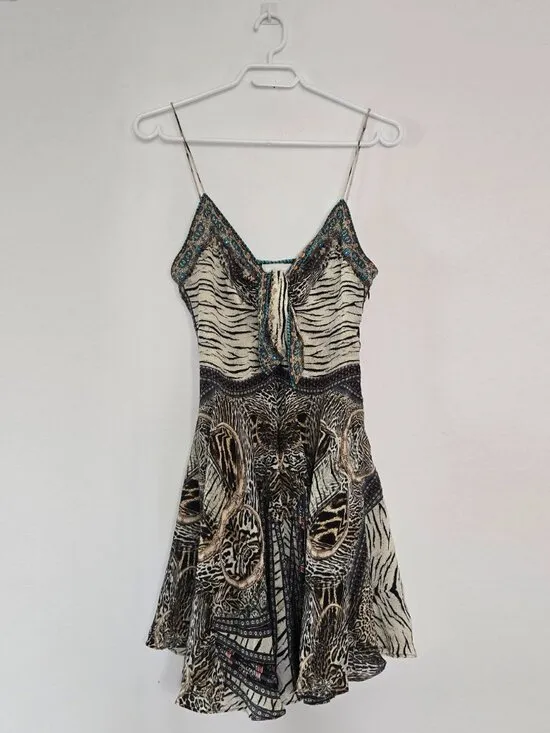
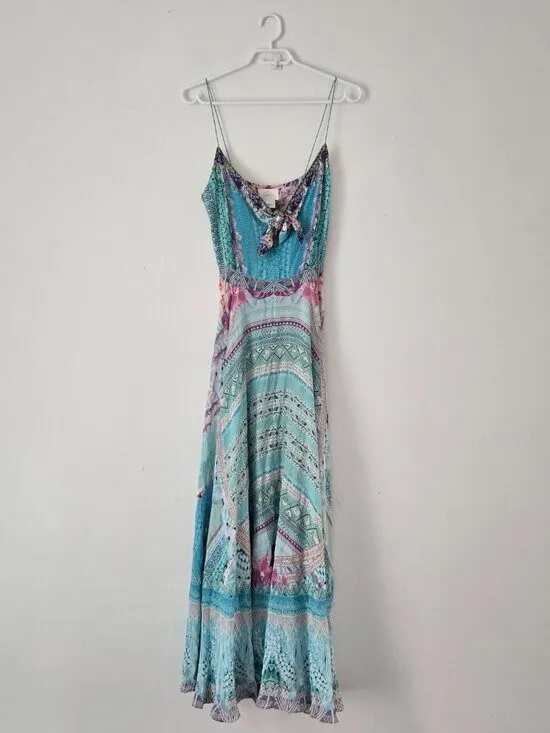
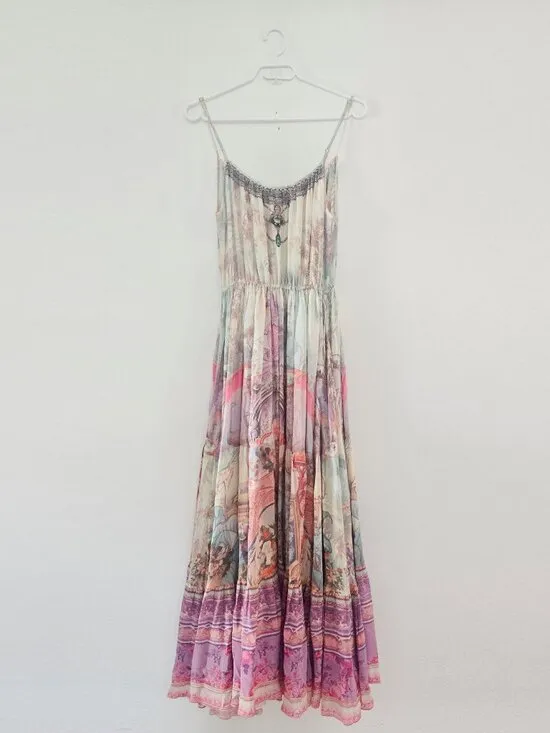
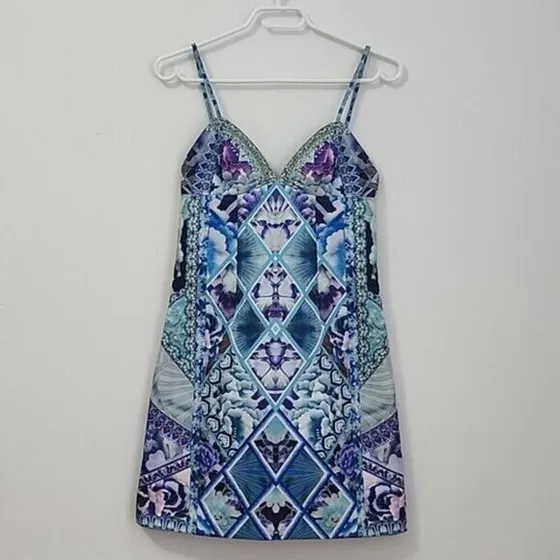
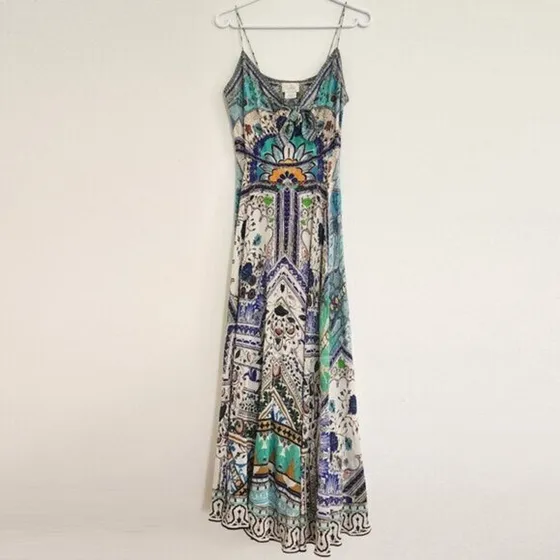
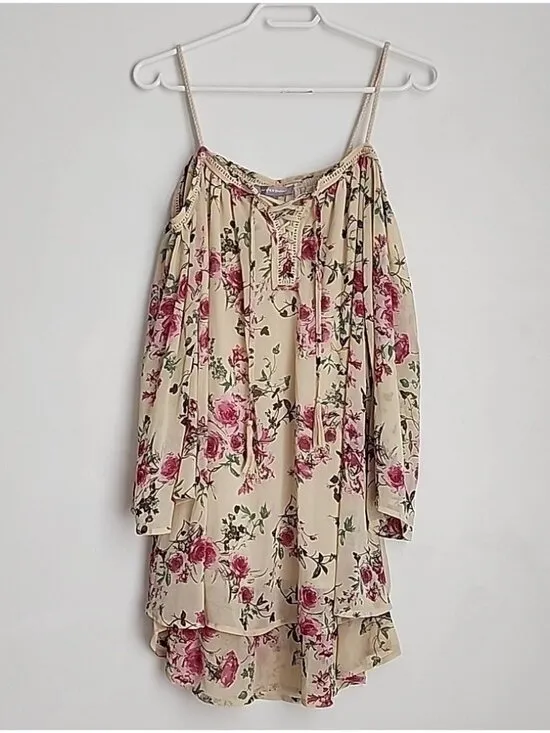
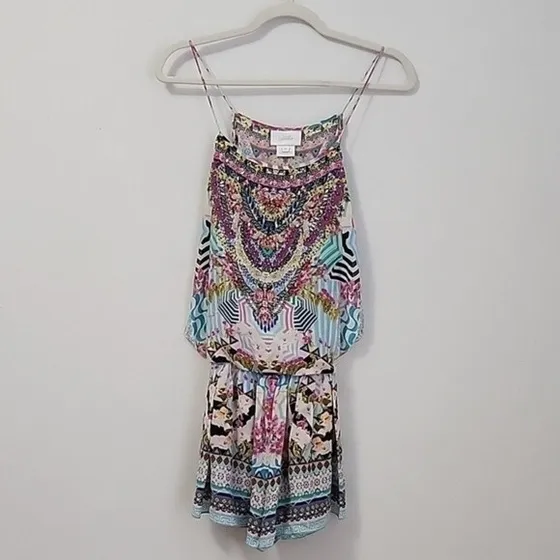
Beat’em writes your listings and posts them to Poshmark, eBay and Depop. It shares your closet and sends offers. The moment something sells, it delists it everywhere else and works out what you kept.
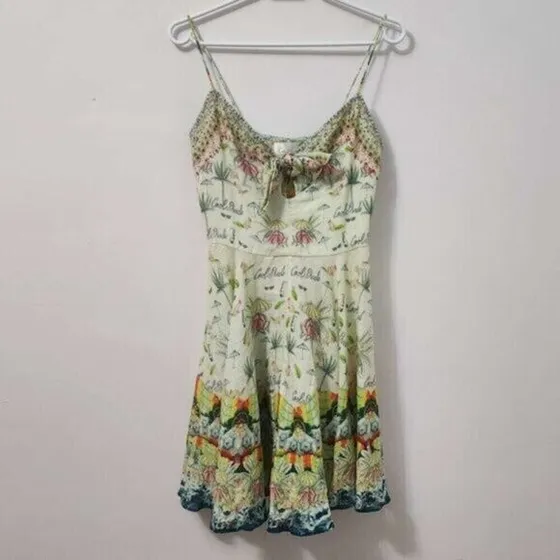
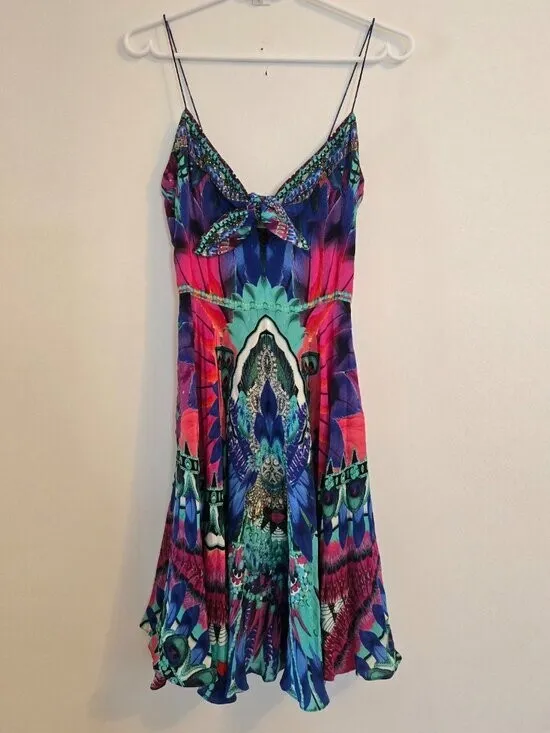
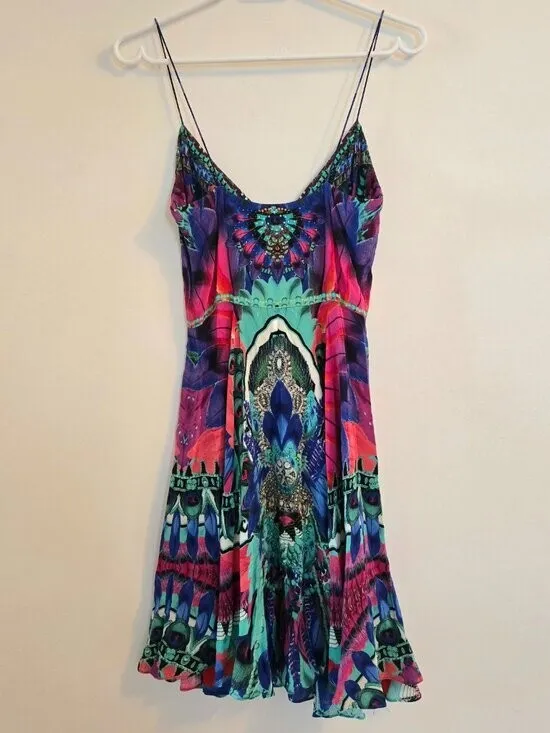
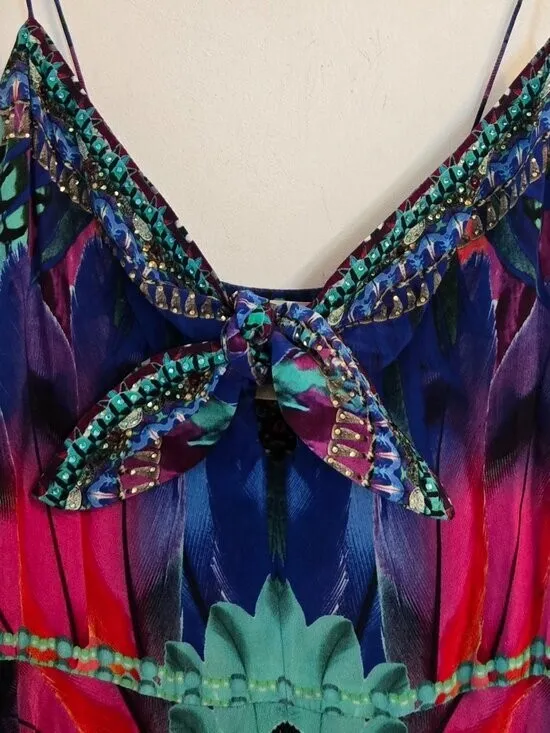
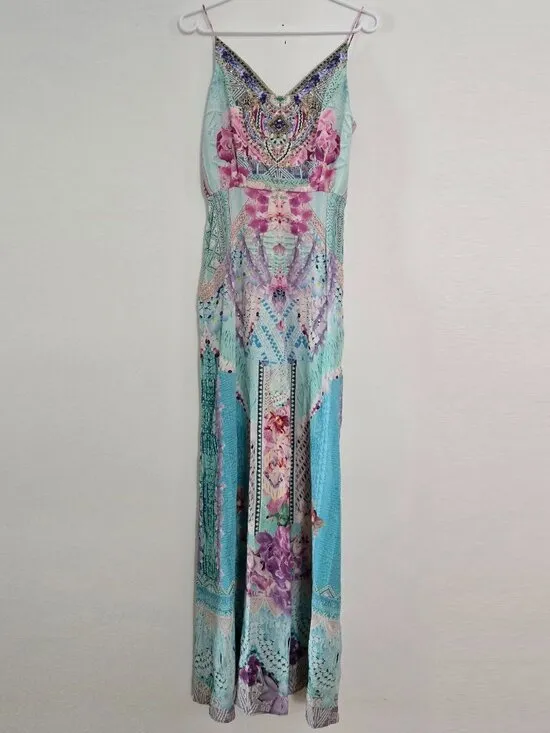
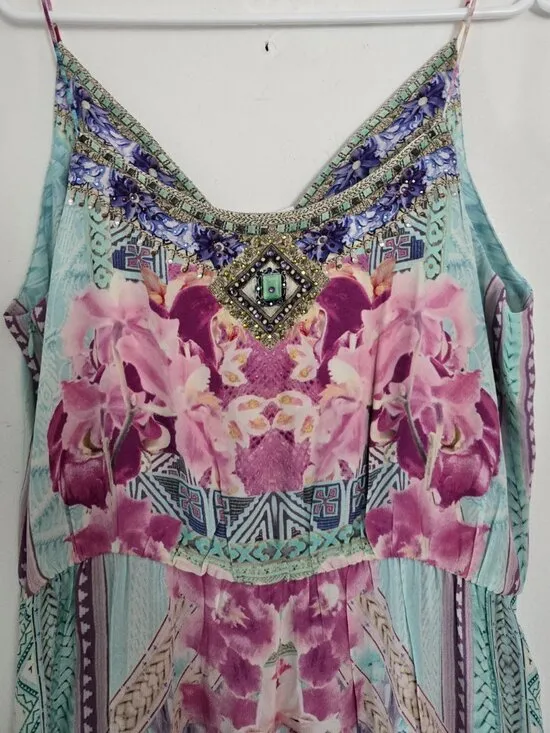
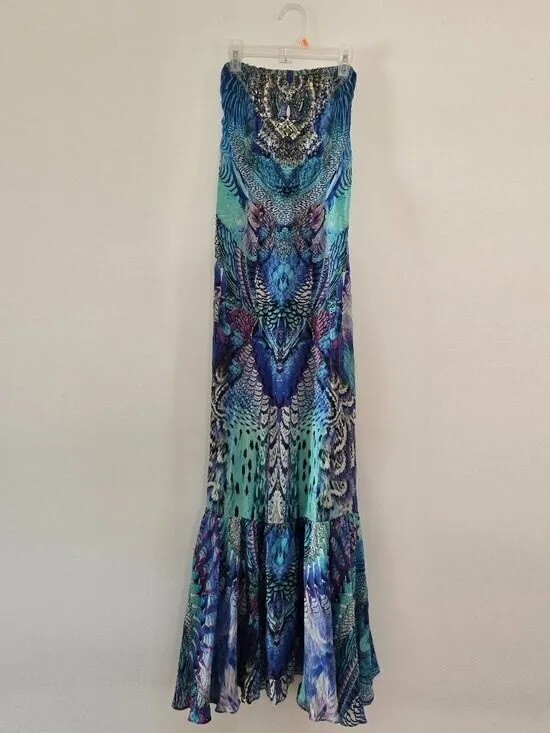
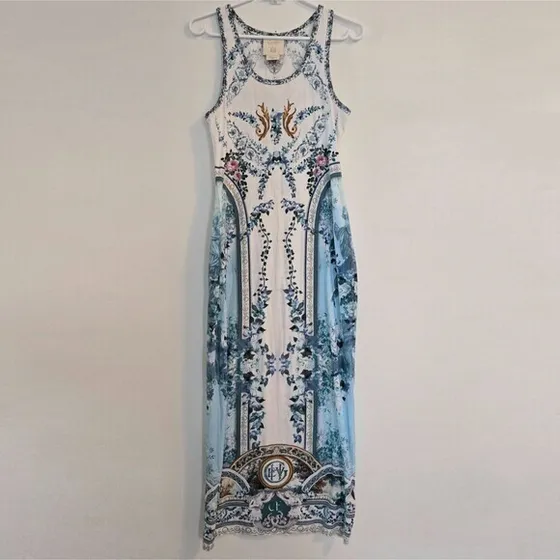
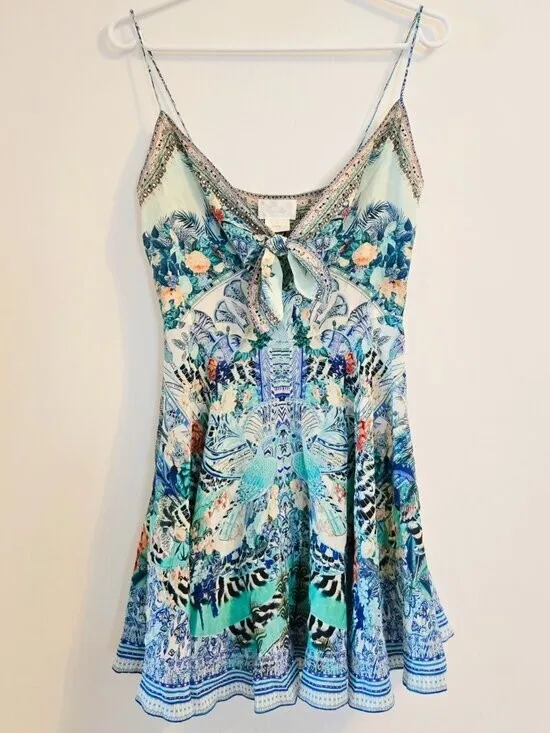
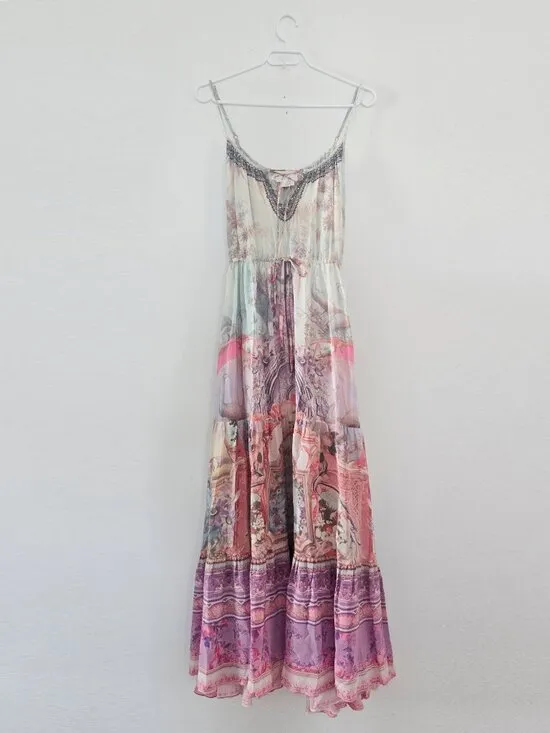
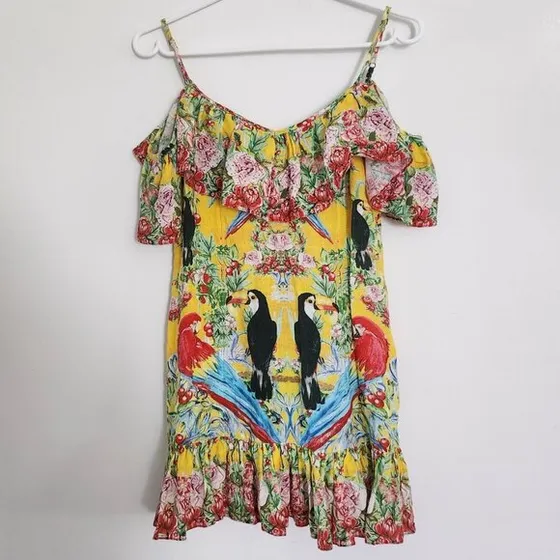
SoldCamilla Love Birds Frill Dress
Size XS · Women › Dresses
Poshmark$95LiveDelisting…Delisted
eBay$99LiveSold $89
Depop$95LiveDelisting…Delisted
Shared to your followers7:30 am · while you slept
3 likers got an offer: $859:02 am · never below your $75 floor
Sold on eBay for $894:41 pm · a buyer's offer, above your floor
Delisted everywhere else4:41 pm · Poshmark and Depop
Your profit on this oneSold on eBay$89.00eBay fees−$12.19You paid−$16.00You kept$60.81
1List
Photos in. Listed everywhere.
The slow part of reselling is writing listings, then writing them again for every store. Beat’em does both, quicker than you could type one. You check our work.
1
Drop the pile
Shoot in the app, send photos from your phone, or drop in a whole haul. We sort them into items in seconds.
2
Say it, skip the typing
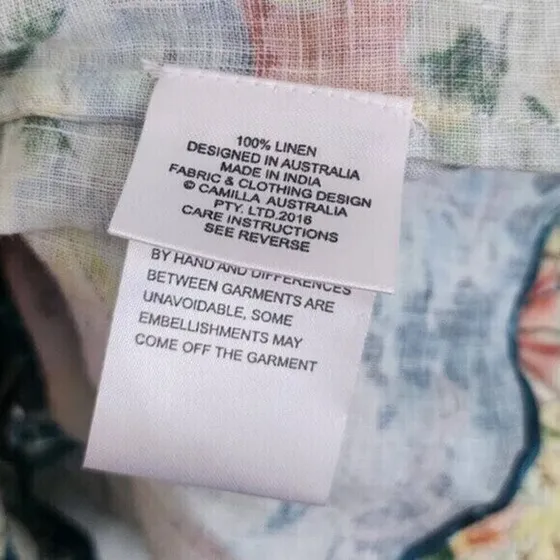
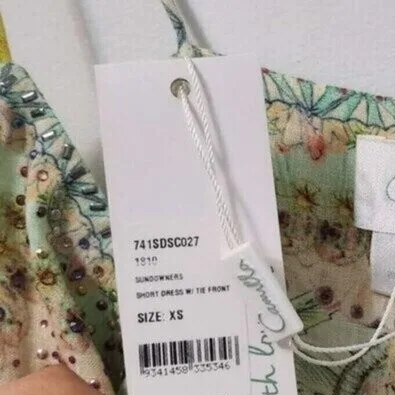
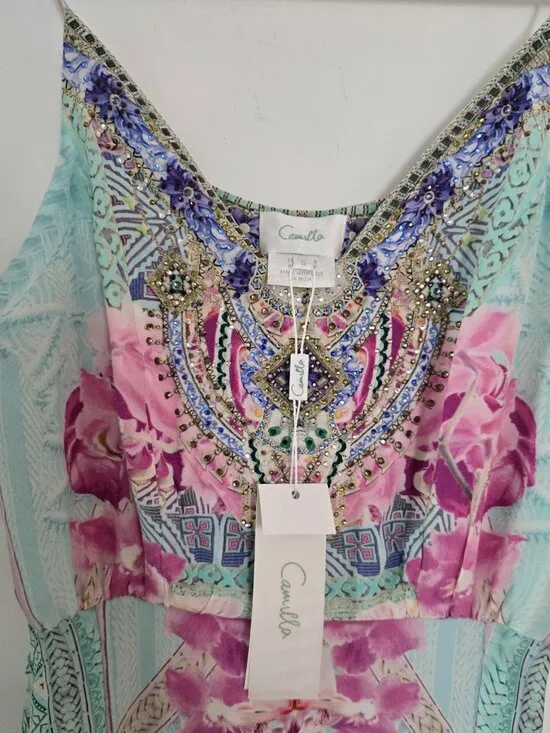
Say “new with tags, never worn, eighty dollars” and it’s filled in. Brand and size come off the tag, the fabric off the care label.
3
Written like a top seller wrote it
A title packed with the words buyers search for, the right category, colours, style tags and a full description. Anything we’re unsure of is flagged for you to check.
4
Live on every store
Each store gets its own categories, details and hashtags, at the price you set for each.
Tap a step to watch it again
Sorted into 3 itemsItem 1Item 2Item 3
Title · words buyers search forCamillaSundowners Tie Front LinenMini Dress Floral Boho Resort XSCategoryWomen › Dresses › Mini
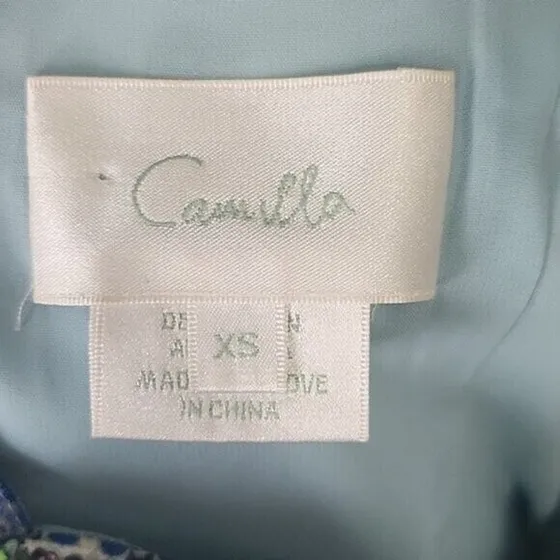
BrandChooseCamillaFrom the tag
SizeChooseXSFrom the tag
ConditionChooseNew with tagsYou said
Price$0$80You said
MaterialChooseLinenFrom the care label
Original price$0$549From the tag
ColourChooseCream? Check thisCream, GreenFrom the photosLooks right
Style tagsBohoResortVacation
Description
Camilla women's Sundowners short dress with a tie front, in cream linen with a green tropical print and crystal detail. Size XS.
• Tie front with a keyhole neckline
• Thin adjustable straps
• Crystals hand-placed across the bodice
• Fully lined
• 100% linen, designed in Australia
Condition: New with tags, never worn
Original retail: $549
Thanks for looking! Bundle 2+ items and save.
#camilla #boho #resortwear
Camilla Sundowners Tie Front Linen Mini Dress Floral Boho Resort XS$80
“New with tags,never worn,eighty dollars.”
PoshmarkDresses › Mini · $80Style tags: Boho, Resort, VacationPosting…Live
Listed on one store? One tap puts it on the others, written the way each store wants it.
1
Pick where else to sell it
Open an item, or select a whole batch, tick the stores it’s missing and tap Crosslist. Already there? We skip it, so nothing gets listed twice.
2
Each store gets its own listing
Poshmark says Rompers and NWT. eBay wants Jumpsuits & Rompers and New with tags. Depop wants Playsuits and Brand new. We translate every field, so nothing gets retyped and nothing gets rejected.
3
Edit once, every store follows
Change the price, or anything else, once and every store updates. No hopping between apps.
Tap a step to watch it again
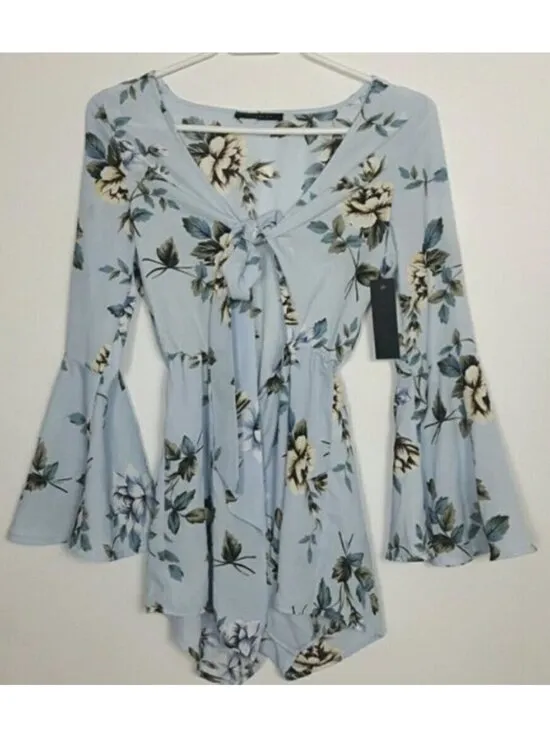
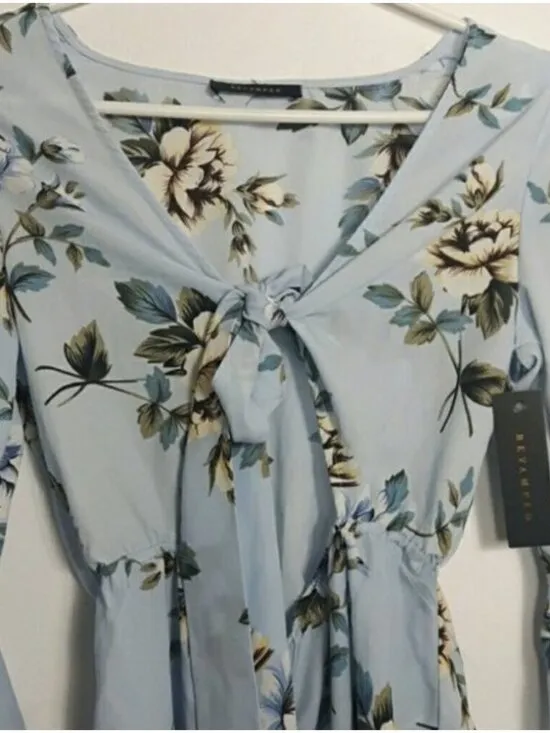
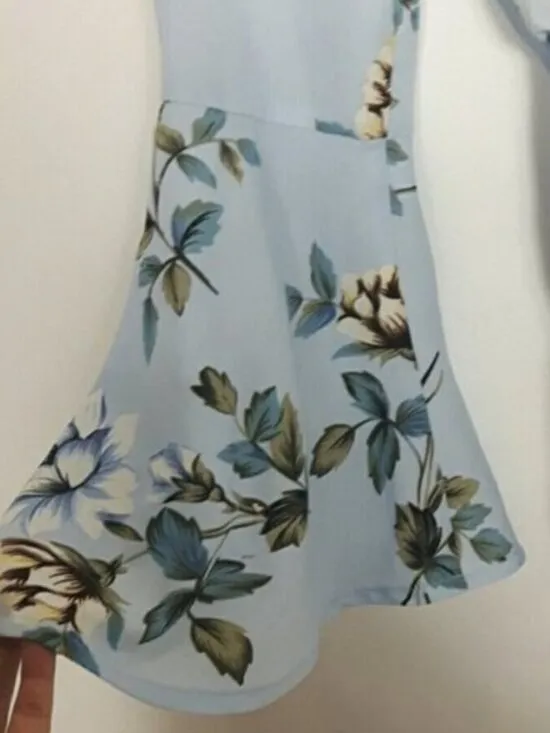
Baby Blue Floral Bell Sleeve RomperRompers · Size S · NWT · $48Live on Poshmark
Crosslist to
PoshmarkLive
eBayNot listedWill be added
DepopNot listedWill be added
Crosslist to 2 storesSent to eBay and Depop
Your Poshmark listing saysRompersNWTS$48
eBayPosting…Live
Category from RompersJumpsuits & Rompers
Condition from NWTNew with tags
SizeS
Price fees covered$52
Item specificsFloral, Bell sleeve
DepopPosting…Live
Category from RompersPlaysuits
Condition from NWTBrand new
SizeS
Price$48
Hashtags#floral #romper
Baby Blue Floral Bell Sleeve RomperLive on 3 stores
Your price$48$42SaveSaved
Poshmark$48$42LiveUpdated
eBay$52$46LiveUpdated
Depop$48$42LiveUpdated
Edited once. Updated on every store.
3Automate
The busywork, handled.
Here’s a normal day once you switch it on. You set the rules, Beat’em does the work, even while you sleep.
7:30 am
Shares go out
Your Poshmark closet gets shared all day, up to the limit you set, and new followers get followed back.
9:02 am
Likers get an offer
Someone likes an item and gets an offer: 20% off here, never below your lowest price. You set both.
2:15 pm
Lowballs get countered
A $35 offer on a $60 dress? Your rule counters at $50, and you hear about it once it’s accepted.
11:00 pm
Old listings jump back up
Listings that have sat too long are relisted, so they jump back to the top of search.
Tap a step to watch it again
7:30 amYour ruleShare up to 40 times a day
Your Poshmark closetShared today122840/ 40
3 new followers, followed back
9:02 amYour ruleOffer likers 20% off, never below $40
Maya liked your Floral Maxi DressPoshmark · listed at $60
Offer sent to 3 likers: $4820% off, never below your $40 floor
Accepted at $489:41 am · no back and forth
2:15 pmYour ruleCounter any offer under $40 at $50
Offer in on Depop: $35Animal Print Midi Dress, listed at $60
Countered at $50Your rule for lowballs
Accepted at $502:31 pm · while you were out
11:00 pmYour ruleRelist anything unsold after 30 days
silk midi dressPoshmark search
Silk Midi Slip DressAnother closet$68
Satin Midi Dress, GreenAnother closet$55
Floral Silk MidiAnother closet$80
Camilla Silk Midi DressYours · listed 34 days agoRelisted · top of search$72
You stay in charge
Off until you switch it onYou pick which automations run, and set the rules for each.
Every move is on recordSee what ran, when, and on which item.
One switch pauses it allGoing away? Stop everything at once, start it again when you’re back.
4Import
Already selling? Bring your closet.
Connect the stores you already sell on. Your listings come in, duplicates become one item, and we check every tag for wrong sizes before your buyers find them.
1
Connect your stores
Sign in to Poshmark, eBay and Depop once. Every listing you already have comes in, photos and all.
2
Same item, found everywhere
That dress you listed on three stores becomes one item once you OK the match. From then on, edit it once.
3
Every tag in your closet, checked
We read the size off the tag in each listing’s photos and compare it with what you listed, on every store. Wrong sizes cost you returns and bad reviews, so fix them all in one tap. Worth connecting for that alone.
4
Then fill the gaps
See what’s only on one store and crosslist the lot in one go. Anything already there is skipped.
Tap a step to watch it again
PoshmarkConnecting…Connected
eBayConnecting…Connected
DepopConnecting…Connected
Bringing in your listings086214312All 312 in
PoshmarkSpell Babushka Midi Dress$68
eBaySpell & the Gypsy Babushka Midi Lavender S$72
Depopbabushka midi dress lilac$65
These look like the same item
Spell Babushka Midi Dress1 item, on 3 storesApprove matchMatched
One item now. Edit it once and every store follows.
Reading the tag in every listing’s photos…0104208312Checked all 312 listings. 3 sizes don’t match.Its tag saysXS
Blue Market V Neck DressPoshmark: listed S, tag says XSFixed to XS on Poshmark
Mermaid Maxi DresseBay: listed M, tag says LFixed to L on eBay
Embellished Mini DressDepop: listed 8, tag says 6Fixed to 6 on Depop
Fix all 3 sizes3 sizes fixed
Your closet296 items from 312 listings
Spell Babushka Midi Dress
Blue Market V Neck Dress
Mermaid Maxi Dress
Embellished Mini Dress
Crosslist the 86 gaps86 listings addedEvery item, on every store you sell on
5Sold
Sold. Here’s what you kept.
Fees and what you paid come off every sale, so the number you see is the real one. It’s all ready when tax time comes.
SoldNovember
ItemSold forFeesYou paidProfit
Camilla Wings of Luxor DressPoshmark$54.00 in fees and cost$120.00−$24.00−$30.00$66.00
Camilla Silk Maxi DresseBay$34.99 in fees and cost$95.00−$12.99−$22.00$60.01
Floral Cold Shoulder DressDepop$7.71 in fees and cost$38.00−$1.71−$6.00$30.29
White Print Midi DressPoshmark$26.20 in fees and cost$56.00−$11.20−$15.00$29.80
Camilla Silk PlaysuiteBay$27.85 in fees and cost$72.00−$9.85−$18.00$44.15
Profit this year$8,623.40$8,689.40
JFMAMJJASON
PoshmarkeBayDepop
2026 tax yearCSVPrint
Sales$18,240.00
Fees−$3,410.20
Cost of items−$4,960.00
Expenses−$1,180.40
Profit$8,689.40
beatem-tax-year-2026.csv saved
Profit on every sale
Fees and your cost come off automatically. Fix a cost right on the Sold page.
Expenses as you go
Mailers, a backdrop, gas mileage to the post office. Log them beside your sales.
A tax-year report
Export it to CSV or print it, ready for whoever does your taxes. Not tax advice.
Meet Buzz
Ask Buzz. It’ll even do it.
Buzz is the assistant inside your closet, and it knows your whole closet. Ask it a question, or tell it what to change. It shows you exactly what it will do, then does it when you say so.
BuzzYour closet assistant
Drop everything that hasn’t sold in 60 days by 10%.
14 listings haven’t sold in 60 days. Here’s what they’d go to:
Lower prices 10% · 14 itemsOn every store they’re listed on
Silk Midi Slip Dress$64.00→$57.60
Blue Floral Wrap Dress$48.00→$43.20
Aqua Ruffle Maxi Dress$90.00→$81.00
and 11 more
Not nowLower 14 prices14 of 14 prices changed. You can undo this for 24 hours.
Show me my Camilla pieces that haven’t sold in over 60 days.
Six Camilla pieces have been listed over 60 days. Oldest first:
Camilla · 60+ days unsold · 6 itemsAcross all your stores, oldest first
Camilla Wings of Luxor DressListed 94 days ago$120
Camilla Silk Maxi DressListed 81 days ago$95
Camilla Silk Midi DressListed 66 days ago$72
and 3 more
Pause my automations till Monday.
Done. They’ll start again Monday morning.
Automations pausedUntil Monday morning
Share my closet
Offers to likers
Relist old listings
Back on Monday at 8:00 am
Ask Buzz anything…Drop everything that hasn’t sold in 60 days by 10%.Show me my Camilla pieces that haven’t sold in over 60 days.Pause my automations till Monday.↑
Questions
Which stores does it work with?
Poshmark, eBay and Depop. Connect one, two or all three.
Is it free?
You can start free, no credit card needed.
I already sell on Poshmark or eBay. Do I start over?
No. Connect your stores and every listing comes in, photos and all. The same item on two stores becomes one, and we check the tags for sizes that don’t match what you listed.
Will anything go out without my say-so?
No. Sharing, offers and relisting only run once you switch them on, with the rules you set. Every move is on record, and one switch pauses it all.
Can I change what Beat’em writes?
Yes. You see every listing before it goes live, and anything we’re unsure of is flagged for you to check.
What happens when something sells?
It comes down from your other stores straight away, so you don’t oversell. The sale lands on your Sold page with fees and what you paid already worked out.
Is it safe for my accounts?
Stores limit how fast anyone can post, so we pace your listings to keep your accounts safe. That’s also why a big batch takes a while.
What if a crosslist fails on one store?
A results page shows what went through, and you can fix and retry the rest.
What if a tag can’t be read?
You get a note to retake the photo. Nothing changes until you tap fix.
Can Buzz change things without asking?
No. Buzz shows you exactly what it will do and waits for your OK. Price changes can be undone for 24 hours.
 Sold